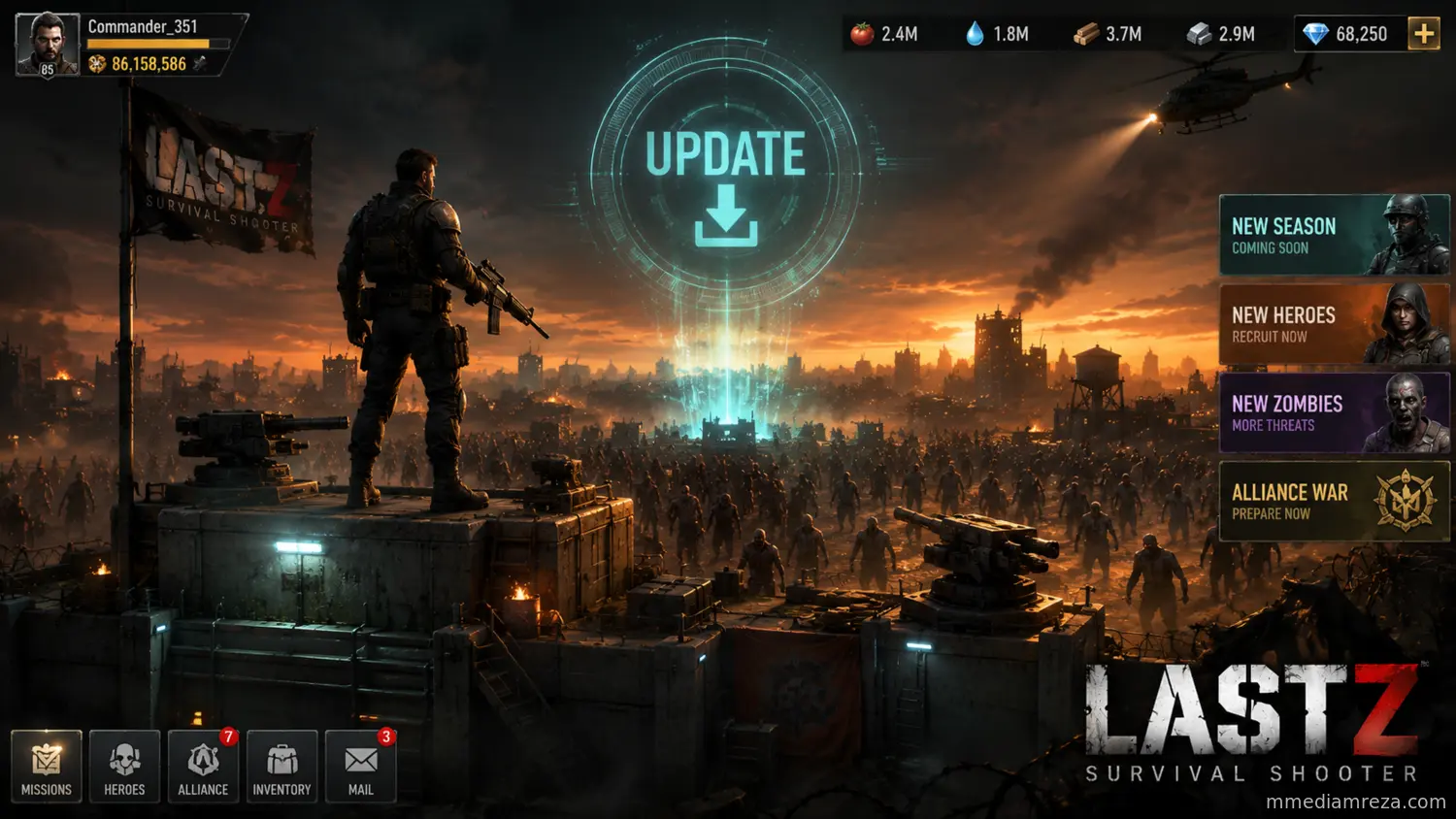
Last Z: Survival Shooter just received a new client update — version 1.250.716, rolled out on July 13, 2026. If your game auto-updated this week and you noticed new prompts, smoother load times, or slightly different event pop-ups, this is why. Here's a full breakdown of what's changed and what commanders should do next.
Pro Tip: If your app store hasn't pushed the update yet, force-close the app and check for updates manually — some regions roll out staggered updates over 24–48 hours.
What Changed in Version 1.250.716
This release is primarily a stability and content-support patch rather than a full seasonal overhaul. Based on the current live build, here's what's confirmed:
- Performance & stability fixes — smoother loading between the base view and combat stages, especially on mid-range Android devices.
- Event calendar sync — backend support for the July rotation of weekly events, including the ROSE Lucky Number system and the ongoing Gold Bar Store recharge event.
- Gift Center compatibility — adjustments to how redeem codes validate against your UID, reducing "Code Invalid" errors that were affecting some players in June.
- Minor UI polish — cleaner notification badges on the Shelter and Alliance tabs.
As with most live-service updates, some of these changes are server-side and won't be visible in a changelog — but they directly affect why codes, events, and shelter menus feel more responsive this week.
Should You Update Right Away?
Yes. Delaying the update can cause two common problems:
| Risk of Not Updating | Why It Matters |
|---|---|
| Gift code redemption fails | New codes are often tied to the latest client version validating your UID correctly. |
| Event pop-ups don't sync | Weekly events like Rose Lucky Number or Volcano War may not display correctly on outdated builds. |
| Increased crash rate | Older builds are the most common source of crash reports after a server-side event goes live. |
How This Fits Into the Bigger Picture
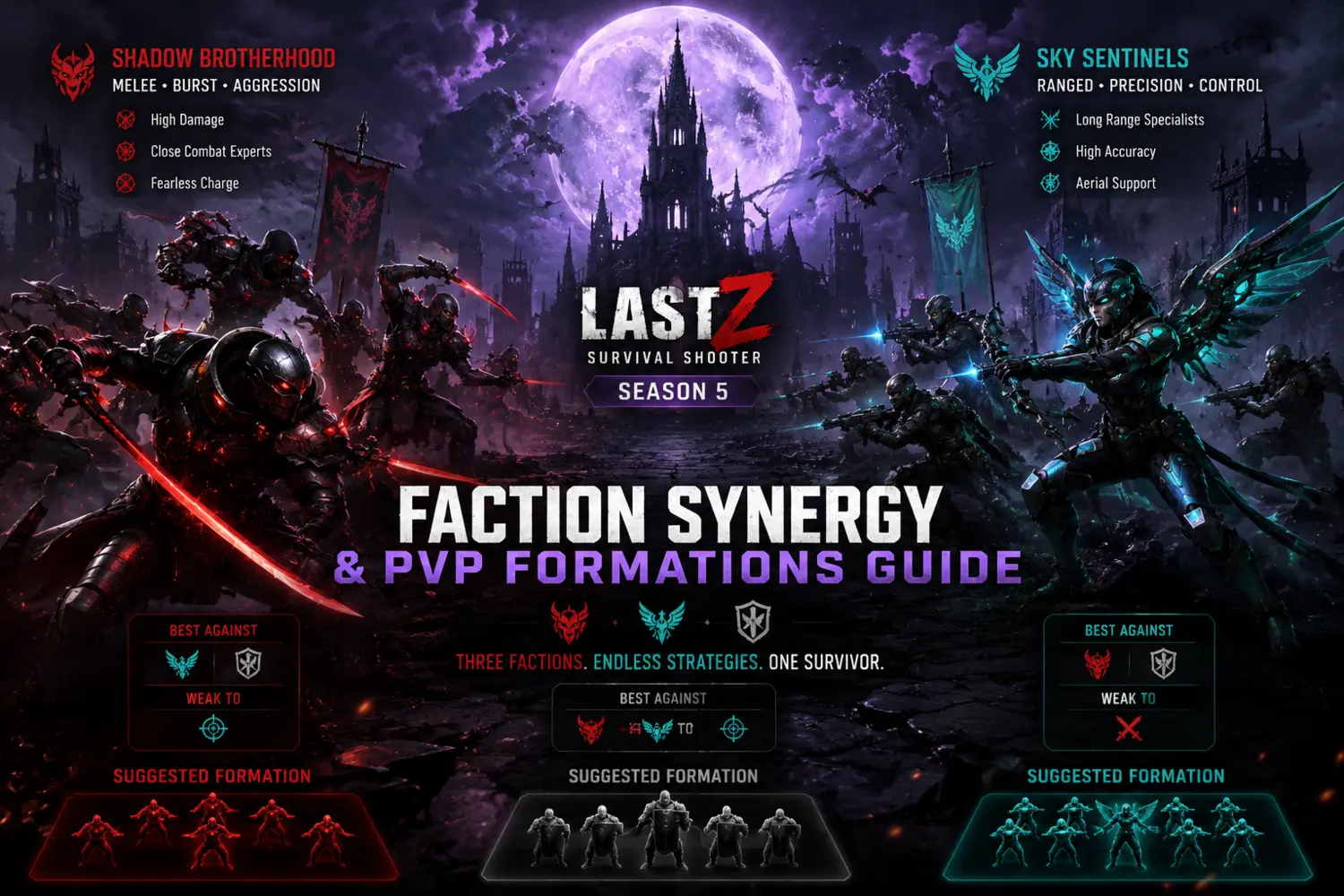
Omnilojo Pte Ltd, the studio behind Last Z, has kept a steady cadence of smaller maintenance patches between major seasonal drops. Season 5: Moonlit Elegy remains the current major content season, and updates like 1.250.716 exist to keep the live event calendar (Gift Codes, Rose Lucky Number, Volcano War, Gold Bar Store) running smoothly until the next big content push — widely expected to be Season 6.
If you've been holding off on migrating to a new state or cashing in active gift codes, now is a good moment to do both — a fresh client build tends to reduce the small technical friction that causes failed redemptions.
Video Overview
For a look at current gameplay on the latest build, check this walkthrough:
https://www.youtube.com/embed/yTtF9Z5NYZ4
Frequently Asked Questions
What is new in Last Z update 1.250.716?
The update focuses on performance and stability fixes, better sync with the July event calendar, and improvements to Gift Center code validation.
Do I need to update to keep playing?
You can usually keep playing an older build for a short time, but you risk failed gift code redemptions, event display issues, and higher crash rates until you update.
Is this a new season?
No. This is a maintenance-style patch. Season 5: Moonlit Elegy is still the active season; a new season (Season 6) has not been officially announced yet.
Will old gift codes stop working after this update?
No, code validity is tied to expiry dates, not the client version. However, an outdated client can cause valid codes to fail to redeem — updating fixes this.
Final Thoughts
Update 1.250.716 isn't flashy, but it's the kind of behind-the-scenes patch that keeps events, codes, and your shelter running without friction. Update now, redeem your active codes, and keep an eye on our hub for the next major content announcement.