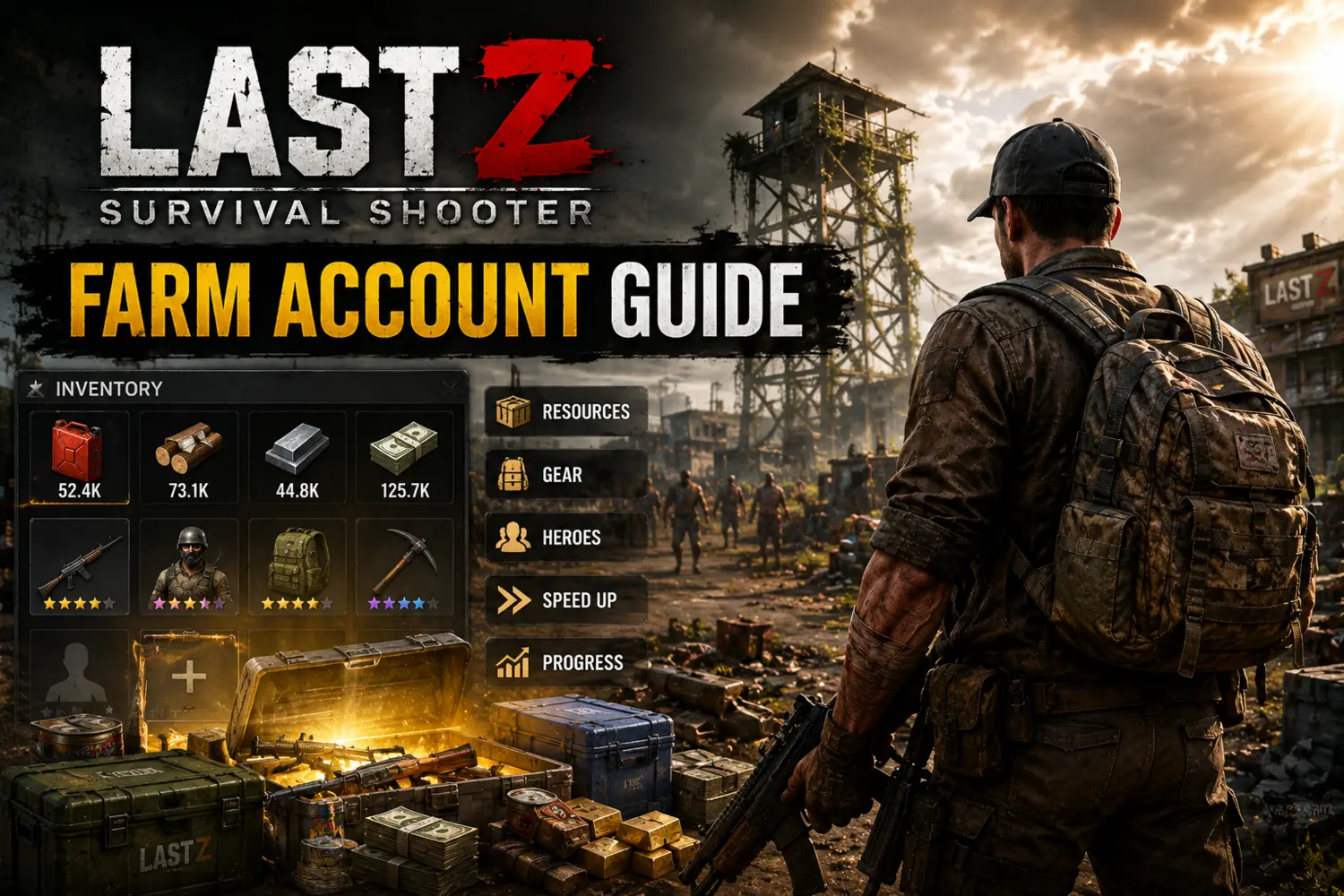
Farm Account (Alt) Guide: Boost Your Main Account
In Last Z: Survival Shooter, the demand for Steel and Fuel grows exponentially. To keep up with the top players in State, creating 1 or 2 Farm accounts is mandatory. A farm account is a secondary account (alt) used solely to gather resources and then "donating" them to your main account via looting.
⚠️ CRITICAL LIMITATION: You can ONLY create a farm account on your current server during SEASON 1. Once the server progresses past Season 1, character creation on that State may be restricted. Build your farm NOW!
How to Setup Your Farm Account
Choose the method that works best for you:
- Option A (Two Phones): The safest way. Install Last Z on a spare phone and use a fresh email address.
- Option B (One Phone): Use Parallel Space or Dual Space apps to clone Last Z. Some Android phones have "Dual Apps" built into the settings.
- Option C (PC): Use an emulator like BlueStacks or LDPlayer. This is the easiest way to manage multiple accounts at once.
Step-by-Step Game Setup
- Create Account: Use a NEW email (Gmail/Facebook) to bind the account. Do NOT bind it to the same email as your main.
- Skip/Finish Tutorial: Play until the UI is fully unlocked.
- Switch State: Go to Profile -> Account -> Character Management. Create a new character specifically on your State.
- The Name Tag: Always add
FARMto the end of your name (e.g., NenadFARM). This prevents alliance mates from accidentally attacking you. - Alliance Center: Rush the Alliance Center building. As soon as you can join an alliance, contact leadership for the current Farm Alliance name.
Positioning & Security
Your farm account must be moved to the FARM HIVE (Alliance territory). Staying at a random location makes you an easy target for enemy raiders, and the alliance won't be able to protect your resources.
| Action | Why it matters |
|---|---|
| Bind Account | Prevents losing progress during app updates. |
| Teleport to Hive | Keeps you safe under the Alliance umbrella. |
| Message R4/R5 | Ensures you are in the correct sub-alliance for buffs. |
Farm Account FAQ
Q: Can I get banned for having a farm?
A: No. Developers generally allow alt accounts as long as they are played manually and not via illegal scripts or bots.
A: No. Developers generally allow alt accounts as long as they are played manually and not via illegal scripts or bots.
Q: How do I transfer resources to my main?
A: Leave the alliance on your farm (or stay if settings allow), remove your defense troops, and attack the farm base with your main account.
A: Leave the alliance on your farm (or stay if settings allow), remove your defense troops, and attack the farm base with your main account.
Q: Can I create a farm in Season 2?
A: It is much harder. Most States close character creation after Season 1 to maintain server balance. Do it early!
A: It is much harder. Most States close character creation after Season 1 to maintain server balance. Do it early!